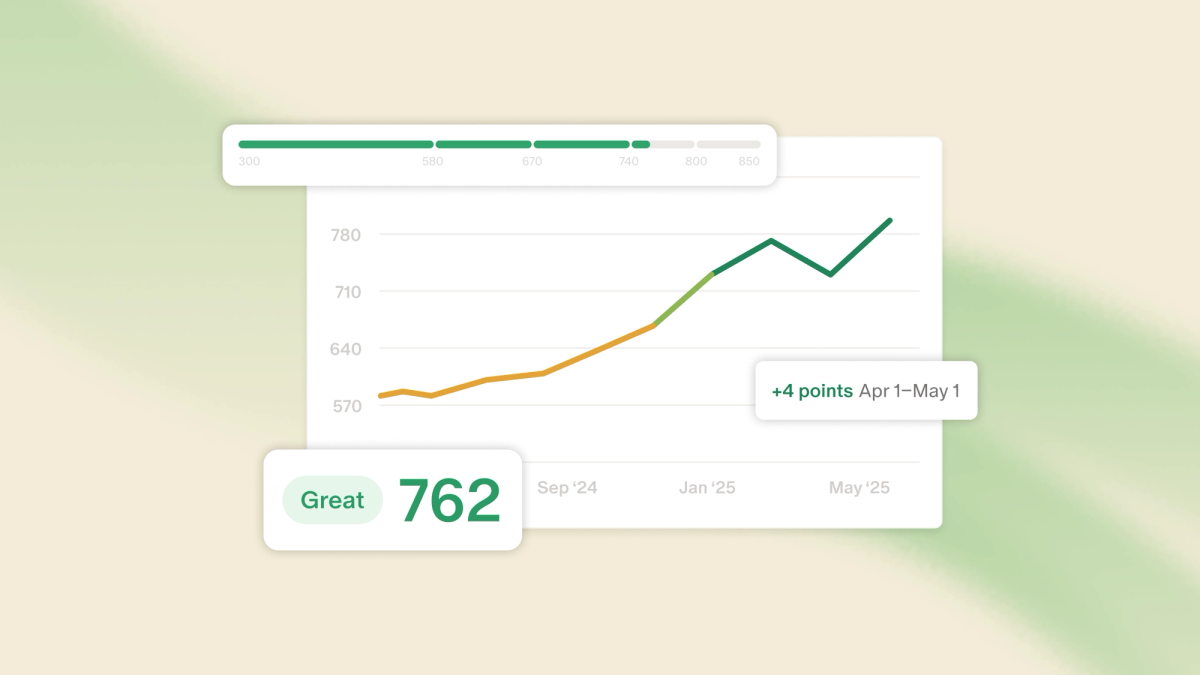
The end of the year is a natural time to look back and look ahead, and this month's update helps with both. You can now see how your spending has tracked against your budget so far this year, and how likely your long-term plan is to hold up in the years to come. Here's what's new:
Stress-test your plan with Monte Carlo
"Will my plan actually work?" is one of the hardest money questions to answer, because the future rarely moves in a straight line. Markets have good years and rough ones, and inflation doesn't sit still at 3%.
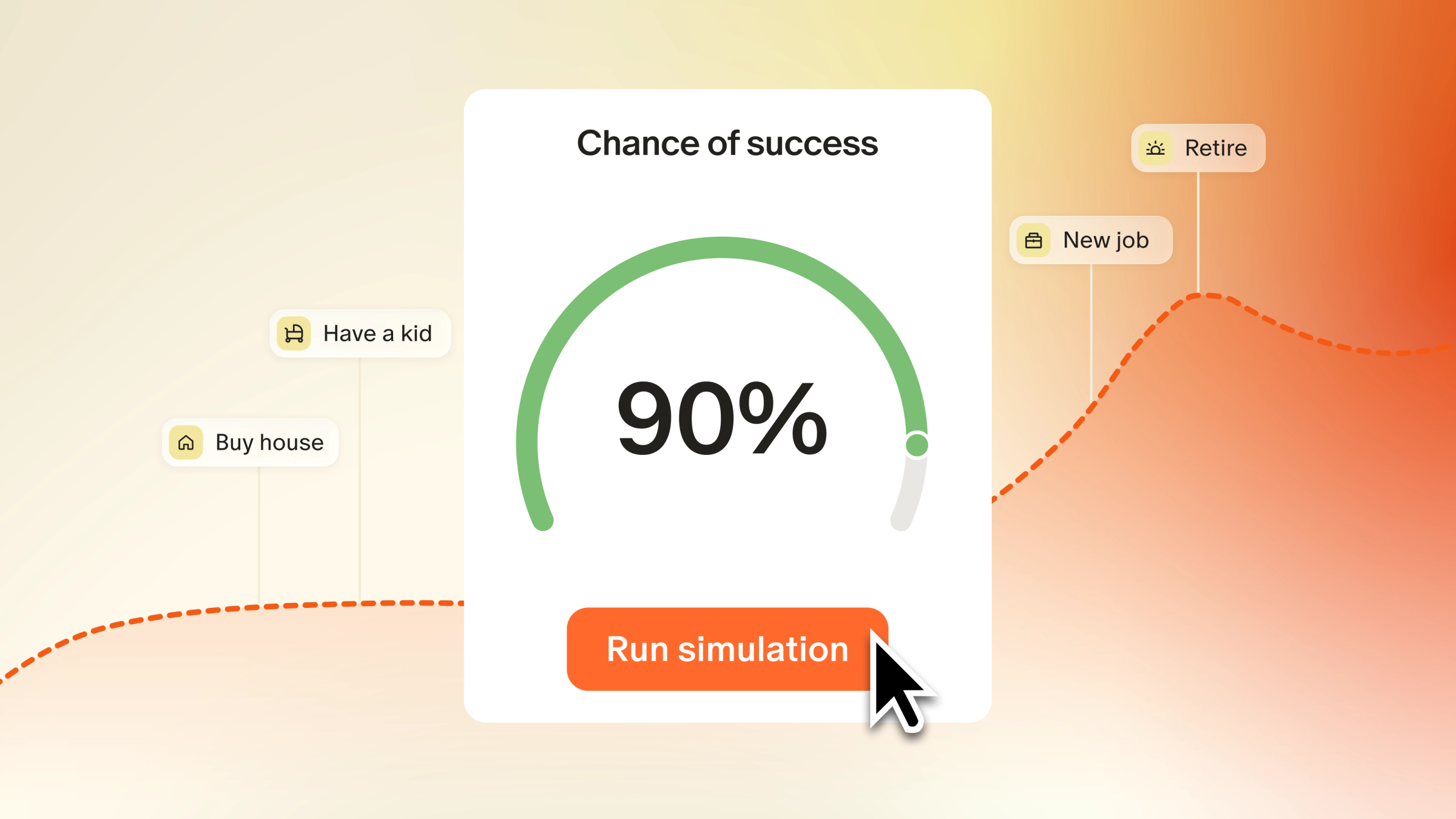
Chance of Success adds a new layer of insight to Forecasting. You can now run each of your scenarios through a thousand (or more!) simulated paths, each with its own ups and downs in markets and inflation. You’ll see a wide range of outcomes and a single Chance of Success score, giving you more confidence in your forecast, or an indication you might want to make some adjustments.
Here's how to try it out:
- Open Forecasting on web and pick a scenario
- Click Run simulation
- Get your Chance of Success score and see where you might want to adjust, if needed
Chance of Success is a way to see how your plan holds up across many possible futures, not a prediction of exactly what will happen. Learn more about how it works.
See how your forecast holds up (on web, part of Monarch Plus)
See if your budget is on track for the year

Monthly budgets are great, but we all know that some months end up under plan and some end up over. As we near December, it’s a great time to zoom out and look at how you’re tracking for the year.
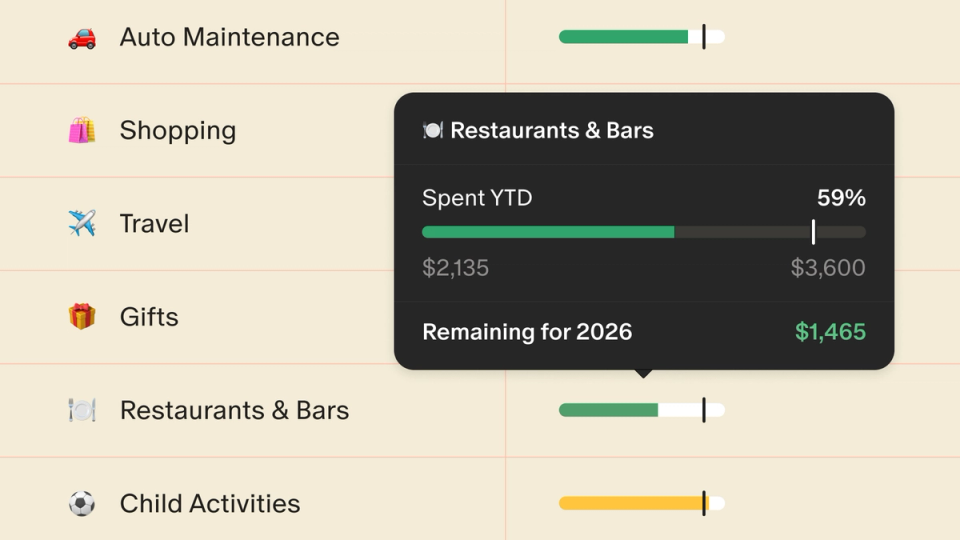
The Year view of your budget now has a progress column, so you can compare what you've actually spent in each category so far this year with what you planned. Hover over the progress bar, or any month, to see planned and actual side by side along with what’s remaining. Make adjustments as needed for December or start building your 2027 budget with insights from this past year.
Here's how to find it:
- Go to Budget on web
- Switch to the Year view
- Check the progress column, and hover over any category for the details
Note: if you use Flex budgeting, categories in your Flex bucket only show year-to-date progress when they have a planned amount each month.
See your year-to-date spending (on web)
Share your screen, not your numbers
Showing a friend how you budget, or sharing your screen on a call, shouldn't mean sharing your net worth too.
Demo Mode is now on web, so you can show someone how you use Monarch while your balances, net worth, and amounts stay hidden. Demo Mode has been on mobile since earlier this year, and now works the same way on web.
Turn it on in Settings > Display. Keep in mind it hides numbers, not names, so account and merchant names will still show.
Get anywhere, and get more done, with ⌘K
Know exactly what you're looking for, but not where it lives? Press ⌘K on Mac (Ctrl+K on Windows) from anywhere on web and start typing. It’s the fastest way to get around without clicking through menus or the navigation bar.
If you’ve used ⌘K before, it’s worth another look. It used to just move between pages. Now it does a lot more:
- Find your stuff instantly. Accounts, categories, and your most-used merchants show up as you type, and tags and connected banks are searchable too. Type “amex” and you’ll see American Express with its accounts right below it.
- Get things done from anywhere. Create a transaction, rule, or goal, add an account or household member, import data, or refresh all your accounts without leaving the page you’re on.
- Use your own words. “Net worth” finds Accounts, “bills” finds Recurring, and “contact” goes straight to support.
- Jump to the exact setting. Search “password” or “zip code” and land right on that section of Settings, highlighted.
- Pick up where you left off. ⌘K opens with your recent searches and most-used pages, so what you need is often one click away.
- Ask a question. Type something like “can I afford a new car this year?” and press ⌘Enter to send it to your assistant.
A few to try: Type “sync” to refresh every account, “create goal” to start a new goal, or the name of any merchant to see your spending there.
Try ⌘K (on web)
Help us test the new Recurring
Last month, we shared that we were rebuilding Recurring from the ground up. Now it's in open beta, and any member can try it.
Multiple subscriptions from one merchant? Annual charges that sneak up on you? The new Recurring handles both, and more.
This is a beta, so a few things are still in progress. Transfers aren't supported yet, for example. We'd love to know what you think. There’s a feedback form right on the Recurring page so you can share your thoughts with the team.
Other big and small updates
- A fresh new look on iPhone. The iOS app now uses Apple's Liquid Glass design, with see-through layers, a floating tab bar, and menus that feel right at home on iOS 26.
- Hello, iPhone Duo. The app now fits both the iPhone Duo’s folded and open screens, and adjusts as you switch between them. Update to the latest version to try it.
- See your average on merchant and category pages. Merchant and category pages on web now show your average spending right on the chart, so it's easy to see if this month is higher than usual.
- Find Monarch in Claude and ChatGPT. The Monarch MCP is now listed in Claude's connector directory and ChatGPT's plugin store, so connecting takes just a few clicks.
- Your assistant remembers the whole conversation. In longer chats, your assistant now keeps track of numbers and decisions you shared many messages ago, so you don't have to repeat yourself.
- Split transactions your way. Split rules can now combine a fixed dollar amount with percentages, like $20 to one category with the rest divided by percent.
- Check any day's balance in a click. On web, click any point on an account's balance chart to see that day's balance.
- Tidy up transactions faster on web. Hide or unhide a transaction from the right-click menu, and see merchant logos when confirming bulk edits.
- More detail in transaction exports. CSV exports now include when a transaction was reviewed, who reviewed it, and whether it's still pending.
- Amazon and Target orders sync more reliably. Orders with split charges itemize again, canceled orders no longer show errors, and Target gift cards and coupons no longer appear as charges.
- Coinbase holdings keep your cost basis. Syncing Coinbase no longer resets cost basis or tax lots you've entered.
- A steadier net worth chart. Smoother switching between time ranges, and no more crashing when pressing on the chart on iOS.
- Quality of life upgrades on mobile. Filter transactions by "Imported from CSV," pick a merchant to rename to from a searchable list when creating rules, and find categories by searching their group name.
- More fixes. Budget groups that aren't monthly show the right Remaining amount, the Debt Paydown chart exports again, reports keep your date range when you drill in, and typing notes on iOS 27 works again. We also fixed app freezing on mobile, a Safari crash on the Accounts page, and dark mode flashes on web and iPhone.
What's next
We have a lot in the works. Here's a sneak peek at a few things the team is working on:
- Your assistant will soon have a new home, and spot ways to save. Your assistant is getting an upgrade that some of you have already been trying in early access. Soon it’ll be on for everyone, and it goes far beyond a place to ask questions. It’ll keep an eye on your accounts and spot ways to save before you ask, like a subscription you can save on, or savings that could be earning more. It can even make changes for you, like updating a rule, or creating transactions (some of the most popular use cases from the Monarch MCP, right inside the app)!
- Organize your accounts your way. We mentioned this one last month, and it's rolling out in the next couple of weeks. Soon you’ll be able to group your accounts however makes sense to you, like keeping retirement accounts separate from taxable investments, as an optional view alongside Monarch's default grouping.
- Save your favorite filters. If you find yourself setting up the same transaction filters again and again, you'll be able to save them as a named view and reopen them in one click.
Want to see this month's updates in action? Kait, Lara, and I are going live on Dec 2 at 10am PT to walk through what's new and answer your questions. Save your spot.
As always, tell us what you want to see us build by voting on our product roadmap and stay tuned for more updates next month!