This month is all about Monarch doing more of the work for you. Switching to a better connection for your bank now takes just a few steps, your AI Assistant answers faster, and your accounts can stay sorted by balance on their own. We're also giving you a sneak peek at what's coming next. Here's what's new:
Get the best connection for your bank, without starting over
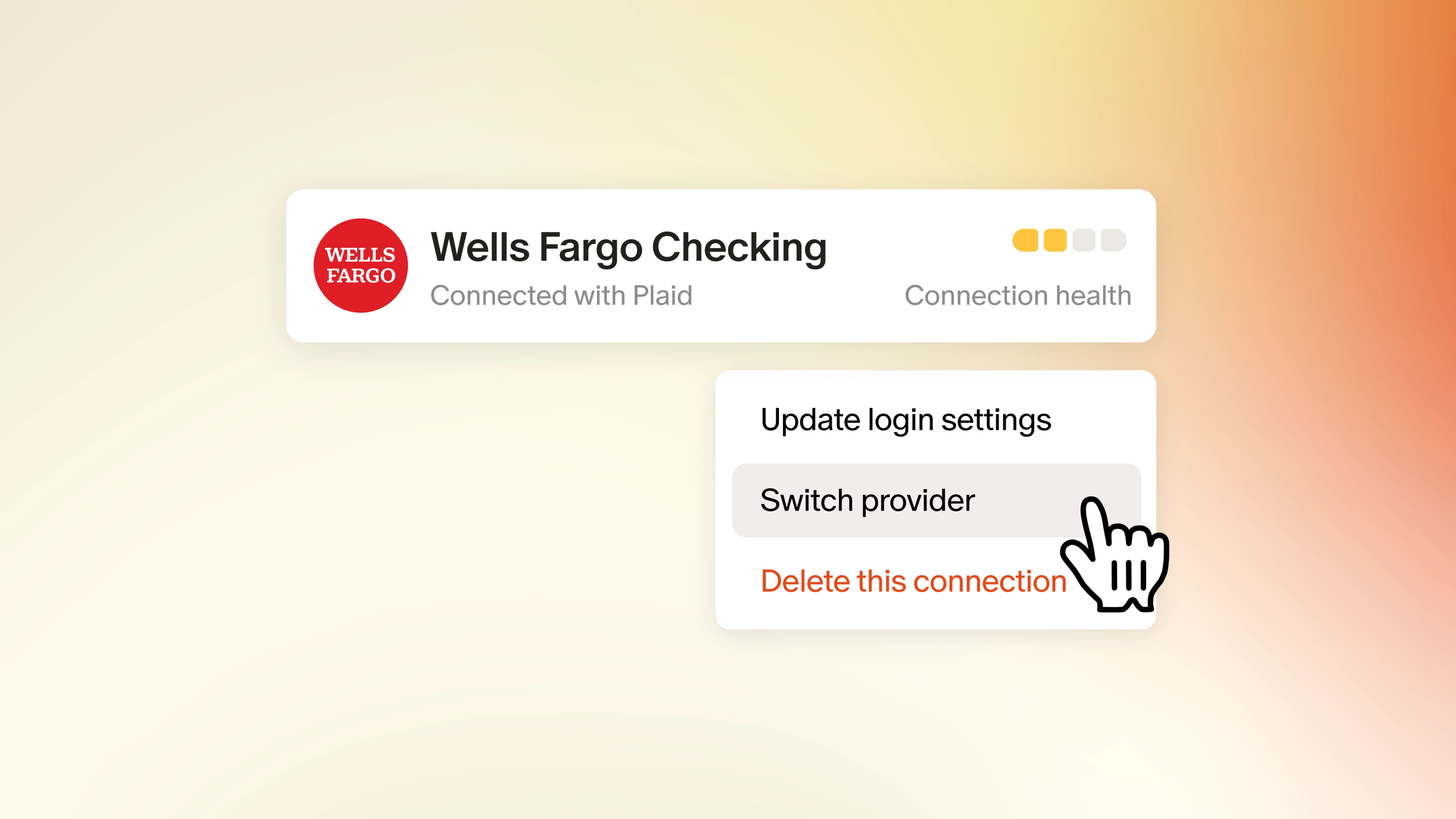
Switching data providers used to take some manual work. You'd create a new connection with the new provider, then move your transaction and balance history over with the transfer tool. Not anymore.
You can now switch providers for any institution in a few simple steps, and your account history stays intact. This means you can switch to a provider that offers better connectivity, keeping your accounts current and giving you a more accurate picture of your finances.
Here's how to try it out:
- On web, go to Settings > Institutions
- Select Switch provider on the institution you'd like to update
- Enter your credentials and confirm your accounts
We're also starting to recommend a better provider when there's one available for your institution. You'll see it as a banner on your Accounts page, with the option to make the switch. This is starting with a small number of institutions and will expand gradually, so don't be surprised if you don't see one yet. You can always check a connection's status and recommended provider on its Institution page.
Switch your data provider (on web)
Faster answers to all your money questions


Your AI Assistant is now smarter and faster, with clearer answers that are easier to act on. Use it to check on your budget or figure out how to reach a savings goal sooner.
There’s no better time than today to ask the questions on your mind about money. Here are a few to get you started:
- "How much did we spend on dining out this month compared to last month?"
- "What subscriptions am I paying for right now?"
- "Where did most of my money go this year?"
- "What changes should I make to my budget based on my latest spending?"
- “Where has my spend been creeping up that I may not be aware of?”
- "How has my net worth changed over the past six months?"
An account list that keeps up with your balances
One of the most common ways we see members customize their account order is by balance. But when you sort accounts this way on your own, that order goes stale as soon as your balances change.
Now Monarch can keep them in order for you. On the Accounts page, you'll find a new Sort menu next to Filters. Choose Amount (high to low), Amount (low to high), or Custom order, which is still the default. Accounts sort within each group, like Cash or Credit Cards, and your groups stay in the order you've set.
Your choice is saved, and the mobile app follows whatever you pick on web. Your custom order stays in place underneath, so you can always switch back if you decide.
Sort your accounts (on web)
Other big and small updates
- Add notes to your accounts. Keep context like account purpose, a payoff plan, or anything you want to easily remember later in a new Notes field. Just look for the “Edit” button on your account page and find the Notes field. Soon, you’ll see notes added to the summary section so you can reference them even more easily.
- A new iPhone no longer duplicates your Apple Card transactions. When you set up a new iPhone, your Apple Card transactions now come across once instead of twice, with nothing to do on your end. This applies going forward, so it won't remove duplicates from past upgrades.
- The activity log is now on mobile. See a transaction's full history, from when it first landed in Monarch to every edit along the way, right from your phone. Make sure you're on version 2.0.116 or later.
- Detail pages that keep your place. Drilling into a category or merchant from Reports now keeps your filters, so the numbers match what you were just looking at. Detail pages also get Edit multiple, Sort, and Columns.
- A sharper treemap. Tile sizes now track each category's share of dollars more precisely, refunds are visually distinct (on web), and drill-downs filter correctly again.
- Monarch remembers your appearance choice. Your light or dark mode setting now sticks through sign-outs and reinstalls. Web and mobile each keep their own setting, so you can go light on your laptop and dark on your phone.
- Accurate quarterly tax dates in Business Tracking. Business Tax Prep now uses the IRS estimated-tax periods (like Q3 = Jun 1 to Aug 31) in reports and CSV/PDF exports.
- Continued improvements to Goals. Balance-funded goals no longer show as "at risk" by mistake, and you'll get a clear explanation if a debt won't pay down at its current payment.
What's next
We have a lot in the works, here’s a sneak peek at a few things the team is working on:
- A smarter way to track your bills and subscriptions. We're rebuilding Recurring from the ground up so Monarch can help spot your bills and subscriptions more accurately. That means separating out multiple charges from the same merchant (looking at you, Apple) and identifying annual renewals and bills that change every month. A redesigned page will flag anything new or overdue, making it easy to catch a subscription you forgot you were paying for.
- Monte Carlo simulations in Forecasting. Instead of a single projected line, Monarch will run thousands of simulations for you that factor in the ups and downs of real markets. With one click, you'll see a Chance of Success score showing how likely your plan is to hold up, along with the full range of outcomes behind it.
- Customize your view with new exclude filters. Sometimes it's easier to say what you don't want to see. Soon you'll be able to exclude a category, merchant, account, or tag from your filters on the Reports and Transactions pages. That makes it simple to see your spending without rent, or to see all your transactions except the ones tagged "Reimbursable.”
As always, tell us what you want to see us build by voting on our product roadmap and stay tuned for more updates next month!